GPU visuals
VJ Visuals for LED Walls
# Overview
I make visuals for DJ shows on LED walls: seamless, looping, black-and-white and trippy footage like shader fractals, neon wireframes, infinite zooms, mazes, tunnels, and full scenes. The goal is visuals that look great on a wall behind a DJ, loop forever without a visible seam, and never make the crowd dizzy.
The library is organized into themed packs of about 12 loops each. This page features two of my favorite styles:
- Wireframes: neon and pure black-and-white line worlds, including maze walks with slow, eased turns, Menger-sponge halls, box lattices, and grid canyons.
- Tunnels: endless forward flights through grid tunnels and shape tunnels whose cross-sections morph between triangles, hexagons, and octagons.
More themes will be added later.
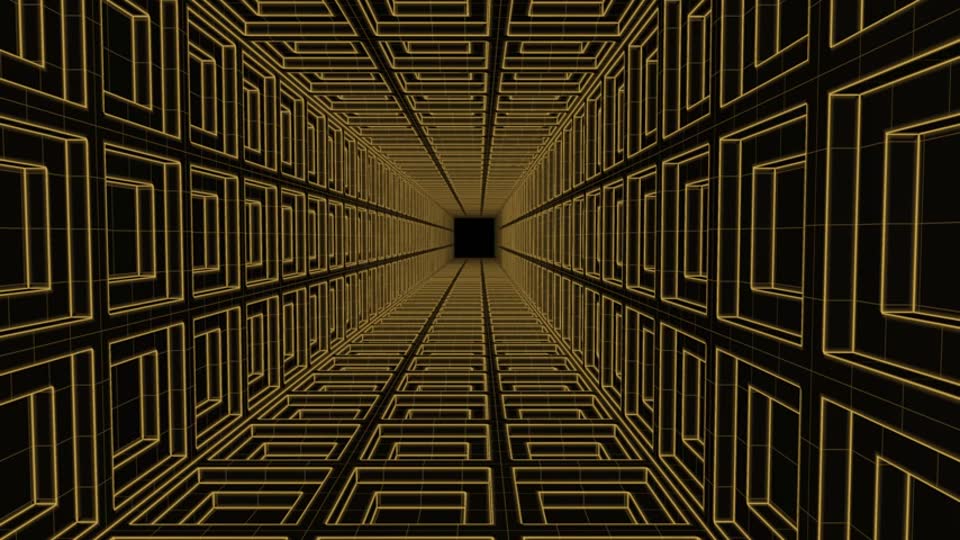
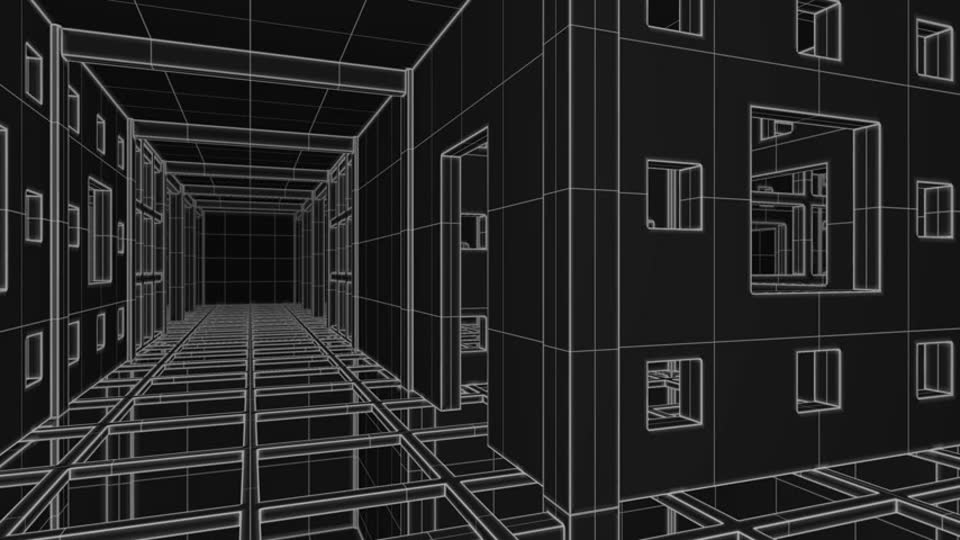
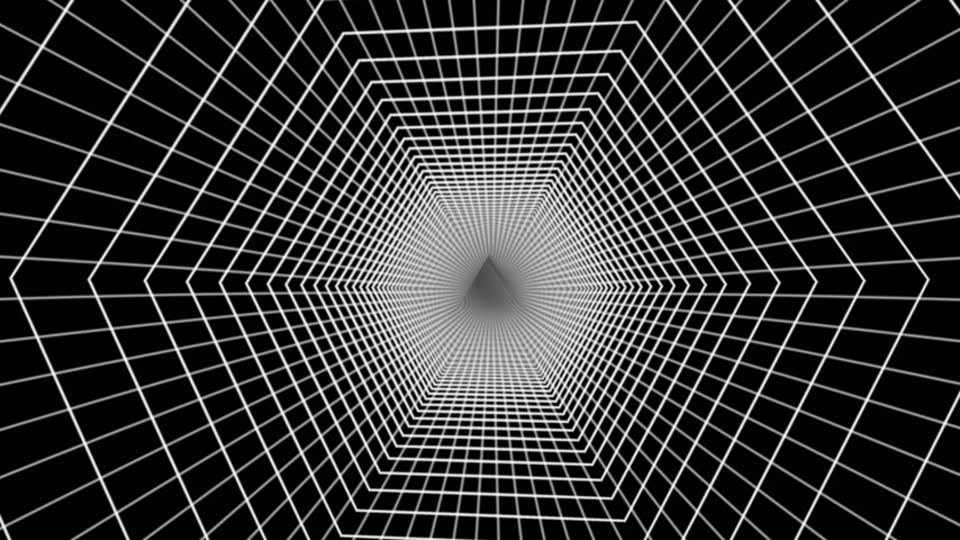
Stills from rendered loops. Each one is a single frame from a 60-second seamless loop.
# How the loops are made
- Shaders first: every look is a GLSL fragment shader, with one base shader and a build script for each pack.
- Offline GPU rendering: a Python render tool drives the GPU through Vulkan (wgpu) and renders every frame.
- Encoding: frames are encoded to MP4 with ffmpeg, using NVIDIA hardware encoding at high quality.
- Format: each loop is 60 seconds at 1920×1080 and 60 fps, ready to drop into VJ software as a clip.
Making them truly seamless
A loop only works if the last frame flows into the first. Camera paths, rotations, and textures are designed so that every repeating pattern divides evenly into the loop's total travel. The frames around the loop point are rendered and checked, so the jump from the end back to the start is the same size as any other step.
Rules for the wall
Each loop is measured against a few rules before it ships:
- No dizzy motion: no fast left-right panning. Turns are slow and eased, typically under about 5° per second.
- Even motion: a steady pace with no lurches.
- Brightness: no large patches of clipped pure white, and brightness kept in a comfortable range.
- Dense, full frames: the frame stays filled, with no empty starfields unless the theme calls for them.
- Forward travel: the camera always moves forward.
Every render produces numbers: average brightness, the percentage of clipped pixels, peak turn rate, and a seam check. Re-rendering a pack after a shared shader changes includes a regression check that finished loops still match frame for frame.
# Live, audio-reactive plugins
Beyond fixed videos, the best looks have been turned into live plugins for Resolume Arena: about 18 generators and one effect, including a pulse tunnel, a terrain flyover, platonic solids, a Menger wireframe dive, kaleidoscope lines, an oscilloscope, a feedback vortex, laser beams, a particle swarm, a hex-grid pulse, a fractal bloom, a sacred-geometry mandala, a synthwave sun, and a strobe-safe glitch effect.
- Audio reactive: the plugins listen to a live mic feed and split it into bass, mid, and high bands. Loudness can drive speed, the same feel as playing clips in Magic Music Visuals.
- One control layout everywhere: speed, volume-to-speed, bass, mid, high, smoothing, hue (0 is pure black and white), and line width or glow, so the controls line up with one row of knobs on a MIDI controller. Extra buttons handle things like flash, shape switch, and freeze camera.
- Light on the GPU: each plugin was measured at roughly 1 to 6 ms per frame at 1080p, leaving room to layer several at once.
- Built for layering: they draw on black, so they stack cleanly over other clips.
# Tech stack
GLSL, Python, Vulkan (wgpu), ffmpeg (NVIDIA hardware encoding), FFGL plugins for Resolume Arena, Magic Music Visuals, and a MIDI controller for live control.
# What's next
- More themed packs.
- A DIY LED screen: 3D-printed parts and aluminum channels holding P4 RGB LED panels driven over HUB75. Coming later, with the 3D models and photos.